

VFD Parameter Setting – Step by Step

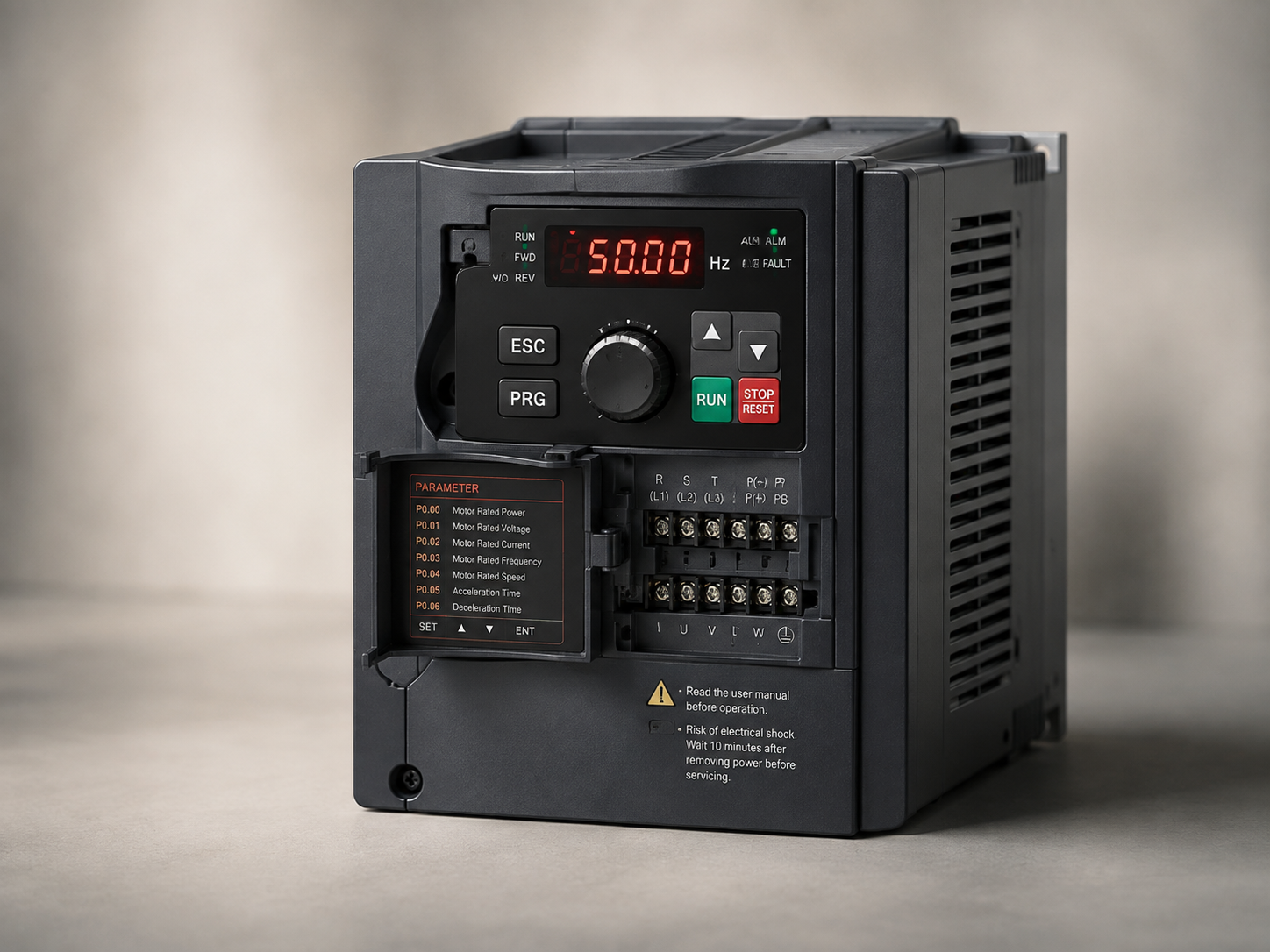
Learn the essential VFD parameters required for safe motor operation, speed control, acceleration, protection, and efficient industrial performance.
VFD Parameter Setting – Step by Step
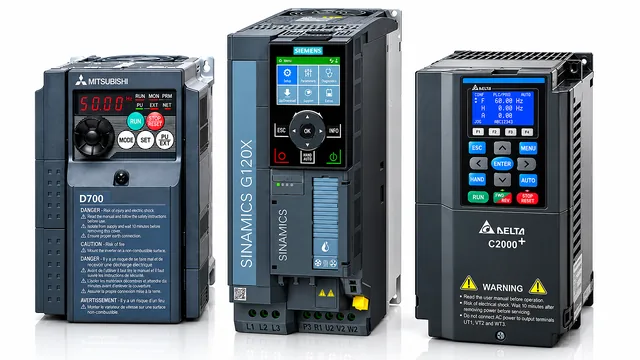
A Variable Frequency Drive controls the speed and torque of an AC motor by adjusting its output frequency and voltage.
Correct VFD configuration is essential for reliable motor performance and equipment protection.
Enter Motor Information
Before operating the motor, enter the motor nameplate information into the VFD.
Important values include rated voltage, rated current, rated power, rated frequency, rated speed, and number of motor poles.
Incorrect motor data can cause poor performance or unnecessary protection trips.
Set Maximum and Minimum Frequency
Configure the minimum and maximum operating frequencies according to the machine requirements.
For example, a standard motor may operate around 50 Hz, but the exact permitted range should always follow the motor and equipment specifications.
Configure Acceleration and Deceleration
Acceleration time controls how quickly the motor reaches the required speed.
Deceleration time determines how quickly it stops.
Setting these values too aggressively can cause excessive current, mechanical stress, or overvoltage faults.
Choose the Control Method
Common VFD control methods include V/F control and sensorless vector control.
V/F control is suitable for many basic applications, while vector control provides improved speed and torque performance for demanding equipment.
Test the Motor
Run the motor initially at a low frequency and verify rotation direction, current, noise, vibration, and equipment behavior.
Always follow the manufacturer’s manual and machine safety procedures before commissioning a VFD.
Proper parameter configuration improves reliability, energy efficiency, motor protection, and overall machine performance.