Delta HMI Programming – Complete Guide

Learn how to configure and program Delta HMI devices for machine control, monitoring, alarms, data visualization, and PLC communication.
Delta HMI Programming – Complete Guide
Human Machine Interfaces allow operators to monitor machines, control equipment, view alarms, and interact with industrial automation systems.
Delta HMI products are widely used because they provide reliable communication with PLCs while supporting flexible interface design.
Start a New HMI Project
Open the Delta HMI programming software and create a new project. Select the correct HMI model and configure the display resolution.
The correct model should always be selected because screen size, memory, communication ports, and supported features can vary between devices.
Configure PLC Communication
Next, configure communication between the HMI and PLC. Select the PLC manufacturer, communication protocol, COM port or Ethernet connection, and device address.
Confirm that communication parameters such as baud rate, IP address, station number, parity, and data bits match the PLC.
Design Operator Screens
Create clean screens that allow operators to quickly understand machine conditions.
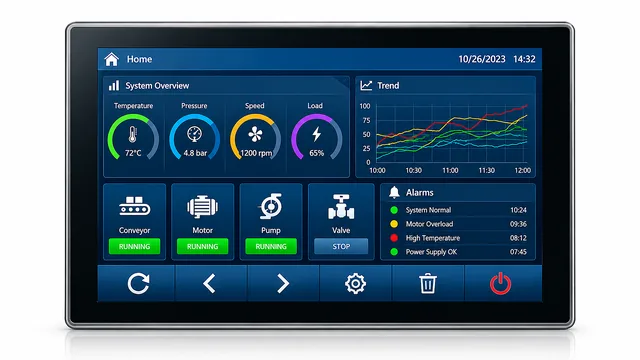
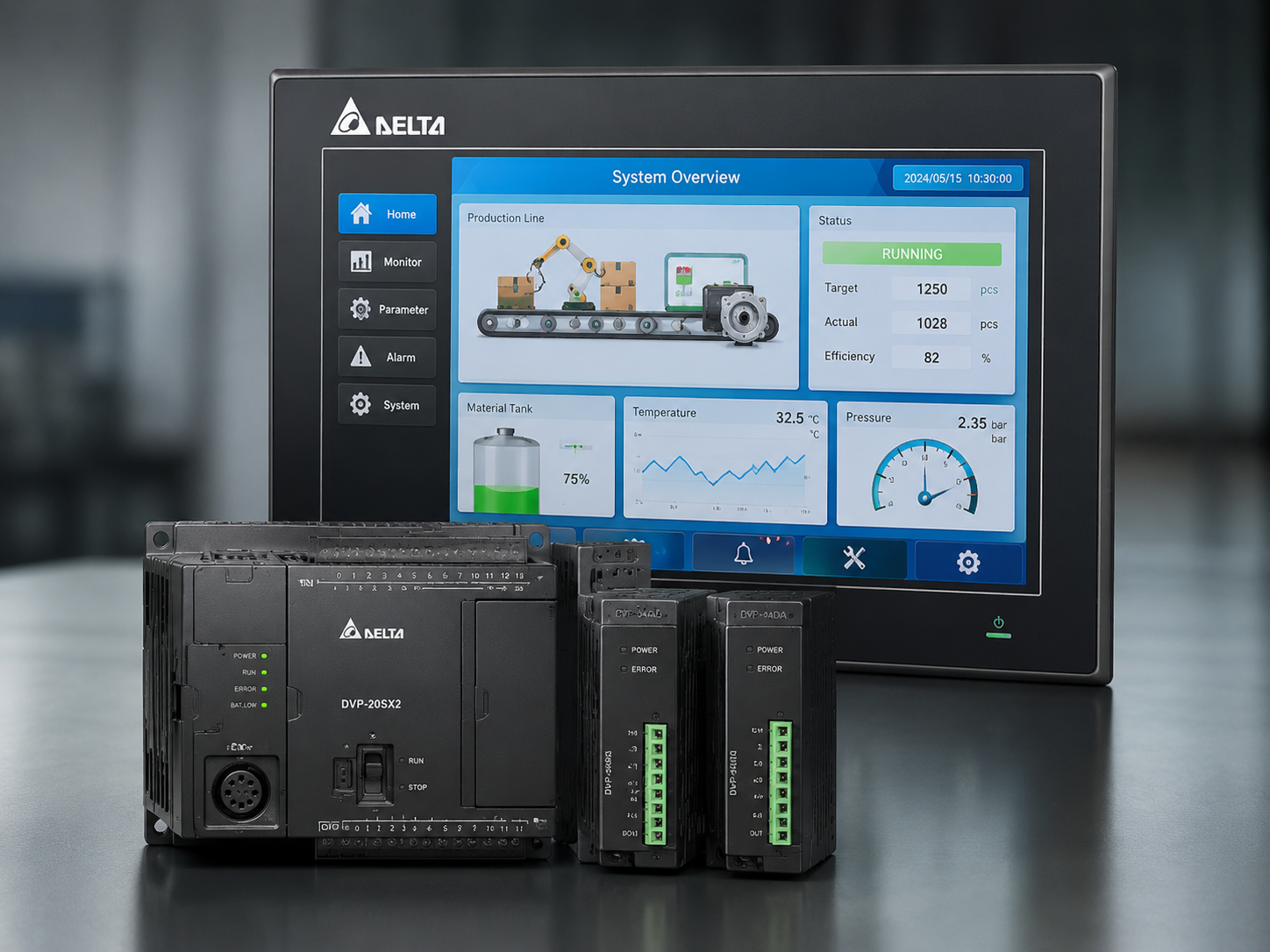
Typical HMI screens include machine status, start and stop controls, production information, temperature or pressure values, alarms, system settings, and maintenance information.
Alarm and Monitoring Features
Configure alarms for important machine conditions such as motor overload, emergency stops, sensor failure, high temperature, low pressure, and communication problems.
Clear alarm messages make troubleshooting significantly easier.
Testing the Project
Use the simulator before downloading the project to the HMI. Verify buttons, indicators, PLC addresses, alarms, navigation, and displayed values.
A well-designed Delta HMI improves machine usability, reduces operator errors, and gives maintenance teams better visibility into industrial equipment.