Getting Started with Siemens TIA Portal V18

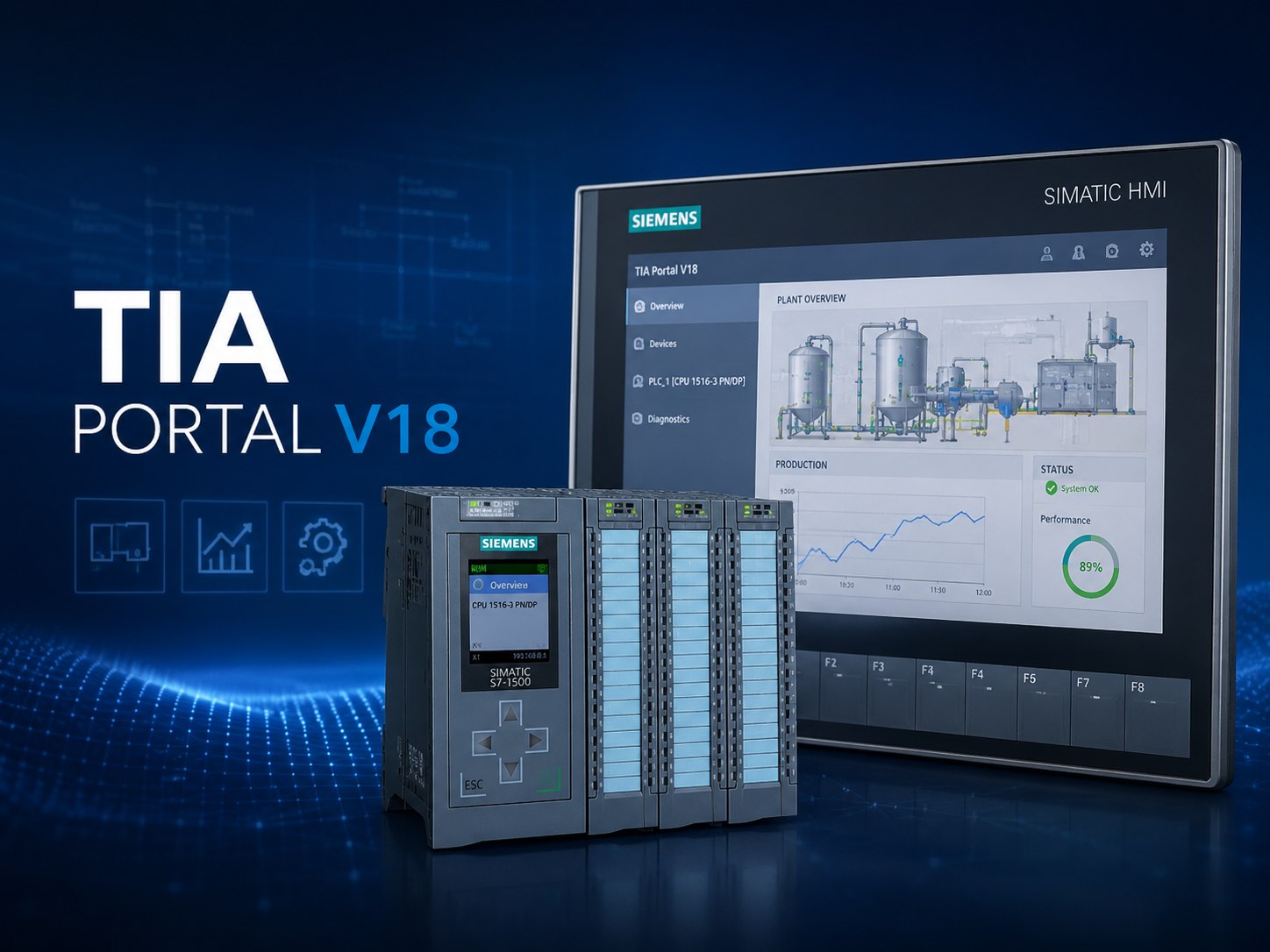
Learn the fundamentals of Siemens TIA Portal V18 and discover how to configure PLCs, create automation projects, program logic, and monitor industrial systems efficiently.
Getting Started with Siemens TIA Portal V18
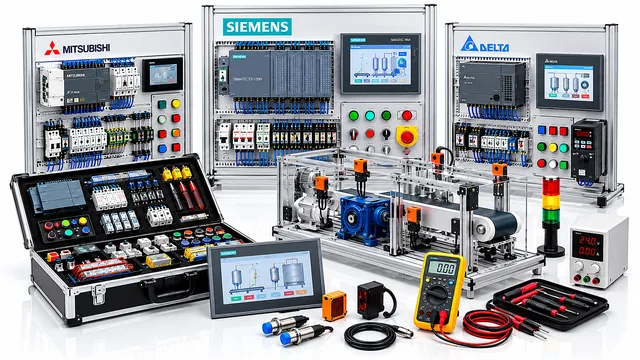
Siemens TIA Portal V18 is a powerful engineering platform designed to simplify PLC programming, HMI configuration, diagnostics, and industrial automation development. It brings multiple Siemens automation tools together into one integrated environment.
Creating Your First Project
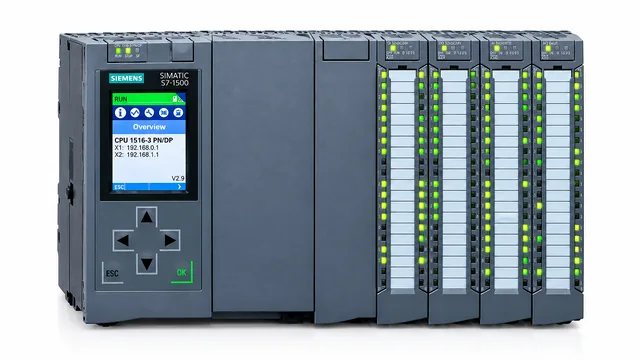
Start by opening TIA Portal and selecting Create New Project. Enter your project name, choose a location, and add the required PLC hardware.
Once the controller is added, configure the CPU, input/output modules, communication interfaces, and network settings according to your automation system.
PLC Programming
TIA Portal supports common PLC programming languages such as Ladder Logic, Function Block Diagram, and Structured Text.
For beginners, Ladder Logic is often the easiest starting point because it visually represents relays, contacts, timers, counters, and outputs.
Hardware Configuration
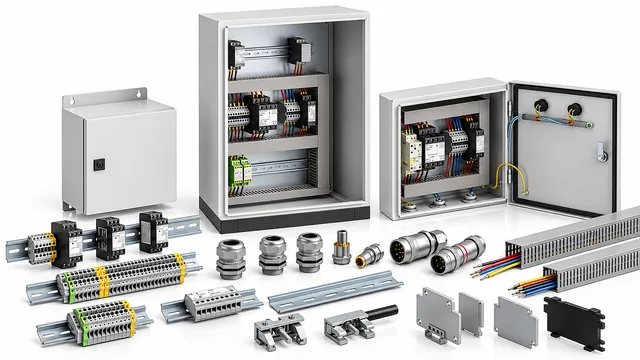
Correct hardware configuration is essential. Make sure the configured PLC model, I/O modules, communication modules, and device addresses match the physical equipment installed in the control panel.
Testing and Monitoring
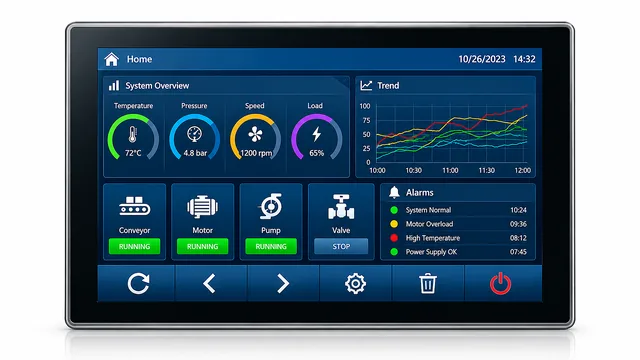
After completing your program, compile the project to check for errors. Connect the computer to the PLC, download the program, and use the online monitoring tools to observe values and troubleshoot the system.
Final Thoughts
TIA Portal V18 provides a professional environment for designing modern automation systems. Understanding project creation, hardware configuration, PLC programming, and diagnostics gives engineers a strong foundation for working with Siemens automation products.